Twitch × YouTube Dual View
Watch Twitch and YouTube side by side in picture-in-picture mode—one screen covers everything.
What’s new in v1.4
Watch Twitch × YouTube together in one screen—dual-channel PiP, live chat, VOD playback, and one-tap go live to Twitch. Smart audio mixing with AEC keeps sound crystal clear. New in v1.4: AI Enhance for FANCAM (Beta), six AR cheerleaders to choose from, and sharing recordings right from the app.
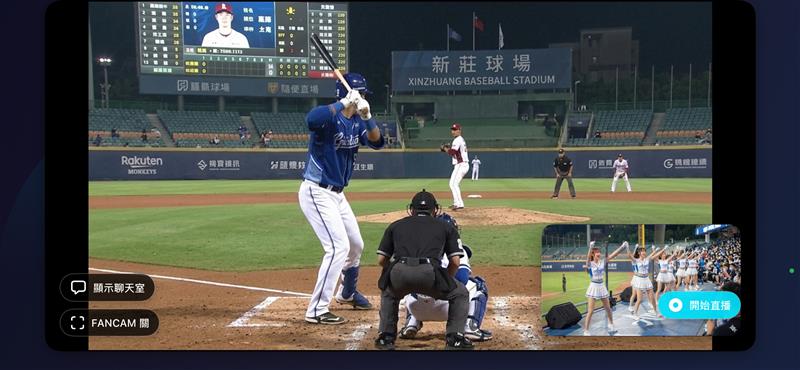
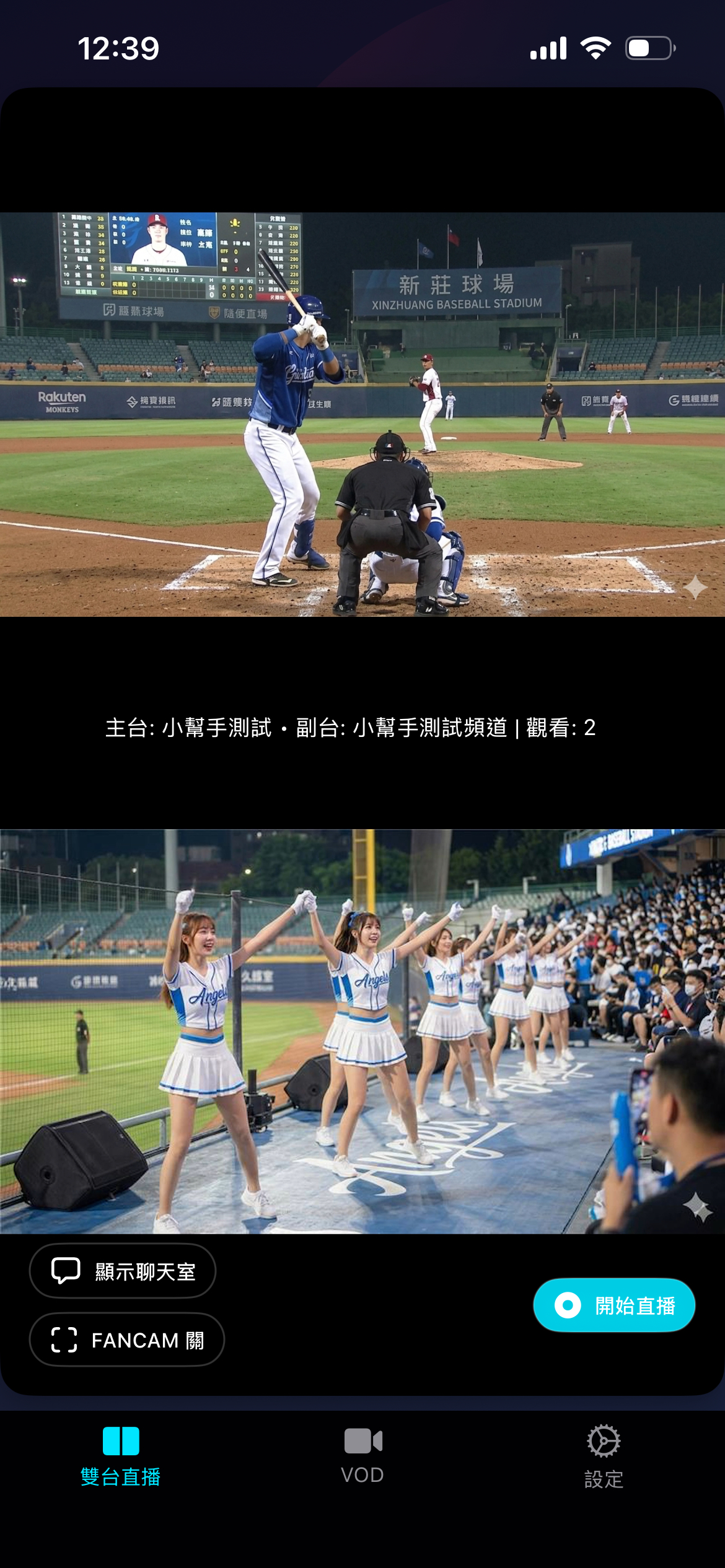
Watch both platforms side by side in dual-channel PiP.
Intelligent audio mixing with echo cancellation for crystal-clear sound.
Start streaming to Twitch instantly with a single tap.
Watch Twitch and YouTube side by side in picture-in-picture mode—one screen covers everything.
Real-time chat from both platforms in one view, plus VOD playback to rewatch your favorite moments.
Intelligent audio mixing blends dual streams seamlessly, while acoustic echo cancellation keeps your voice clear.
Record your screen with one tap and share the recording right from the app, or go live to Twitch instantly—all from the new Electric Cyan interface.
New in 1.4. Six AR cheerleaders, each with her own Lens. Pick who joins you in AI Companion and Learn Dance; choose once and both remember.
Meet all six characters →Scrollable carousel with Beauty, Fun, and BG tabs. Tap to apply in under 2 seconds — the lens stays locked for your entire broadcast.
Front and back cameras run simultaneously. Your audience sees both angles at once — your reaction and what you're filming.
True hardware lens swap at 0.5× — not a digital crop. Always the sharpest image at every focal length.
One-tap RTMP broadcast with the AR lens baked into the stream. Your viewers see exactly what you see — AR and all.
Tap the shutter for a photo. Long-press to record a clip. Saved to your Photos library without leaving the stream.
Lens collections are managed via the Snap Camera Kit portal. New effects roll out without an app update.
AI Enhance for FANCAM · Beta
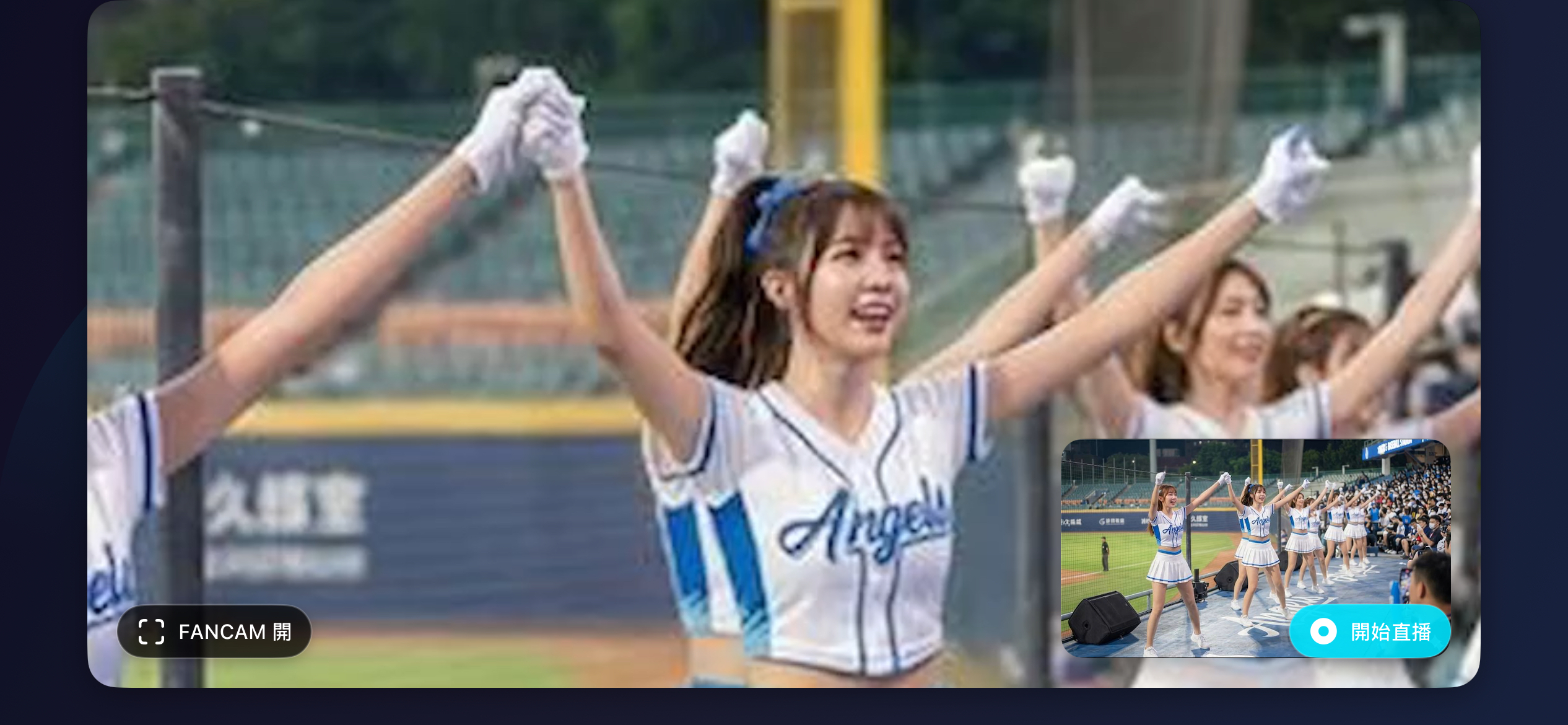
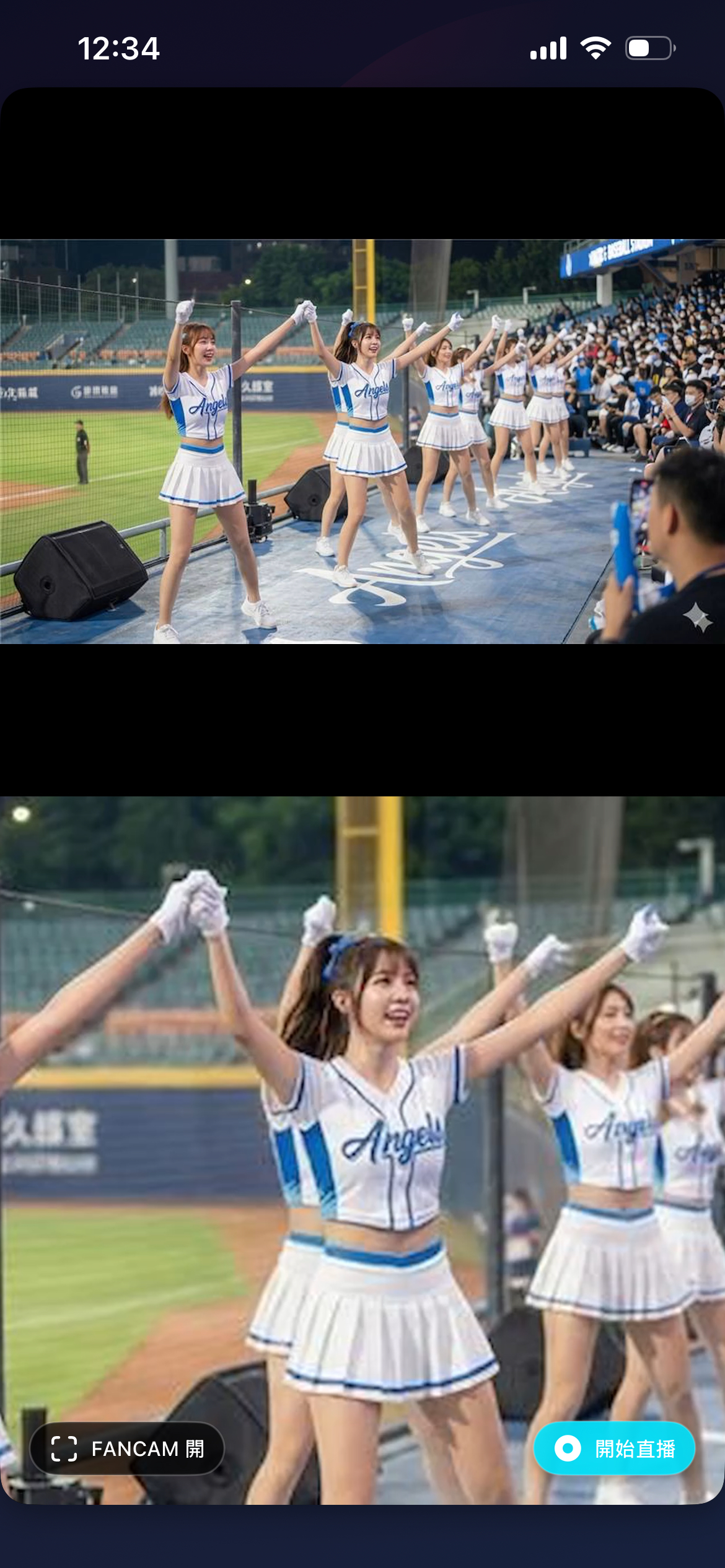
New in 1.4. AI Enhance for FANCAM is real-time super-resolution: when you zoom in on the FANCAM view, on-device AI sharpens the performer's face, hair and body frame by frame. It is trained on real 4K footage, so it brings back detail without redrawing who the person is.
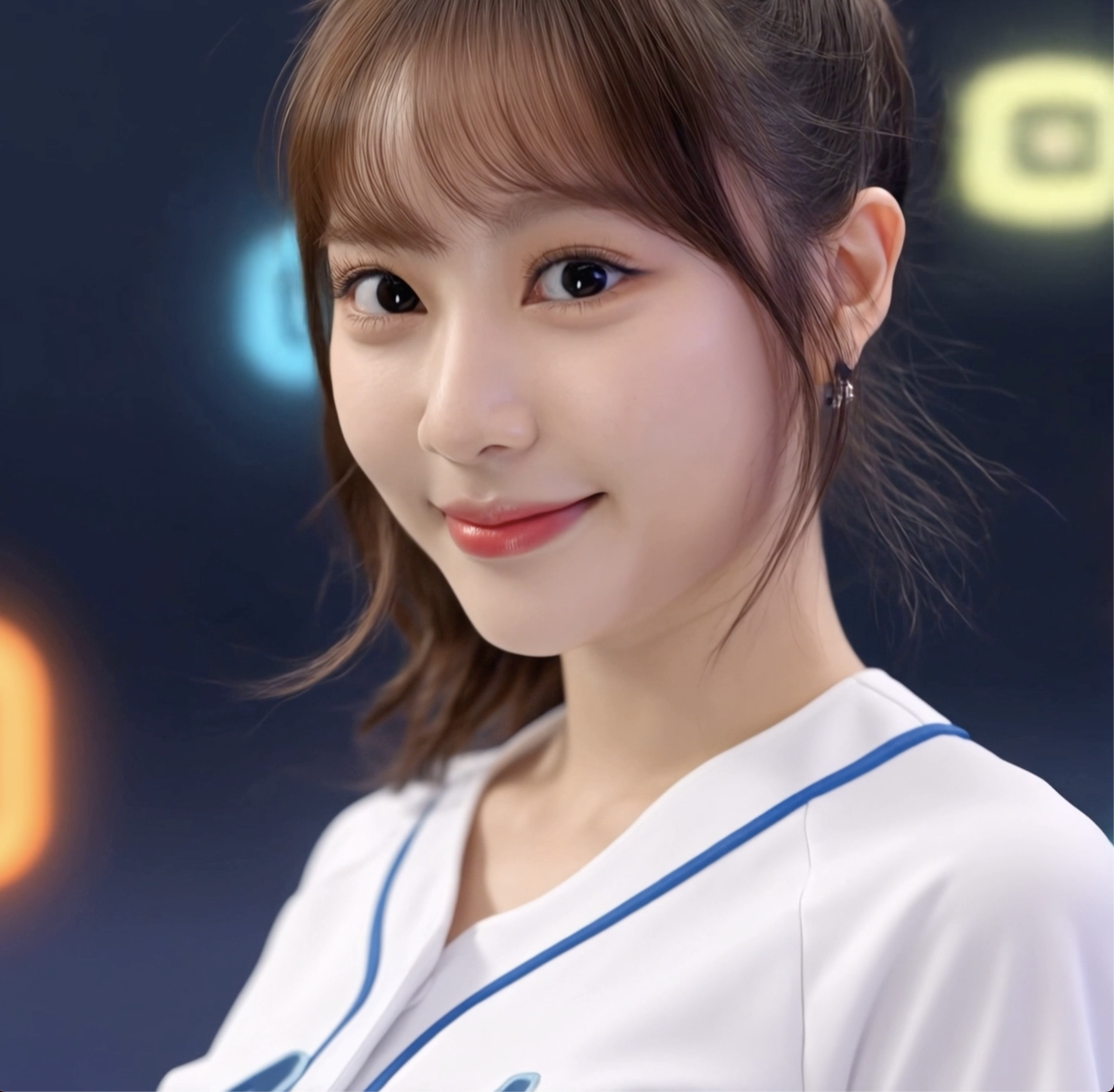 Simulated blur
Fancam girl
Simulated blur
Fancam girl
Drag to compare, or use the arrow keys.
Fancam girl illustration. Simulated comparison, not actual app output.
NEW IN v1.4 · SIX AR CHARACTERS
Six characters to make every stream feel more like you. Choose your favorite in the app, and bring the same companion along for live commentary and learning dance moves.
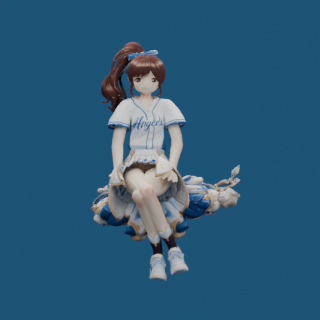
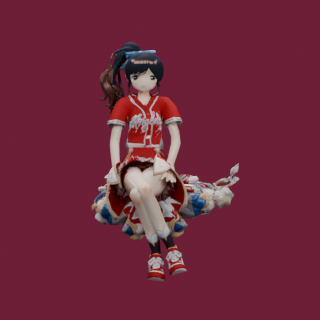
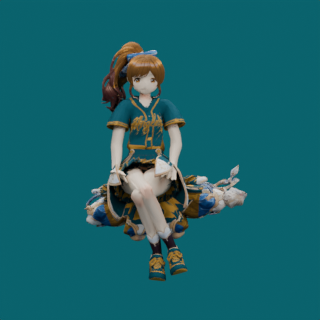
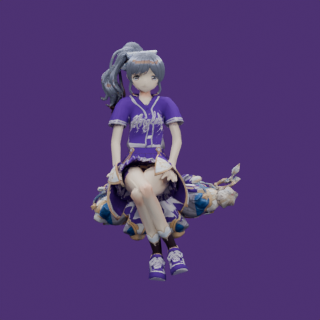
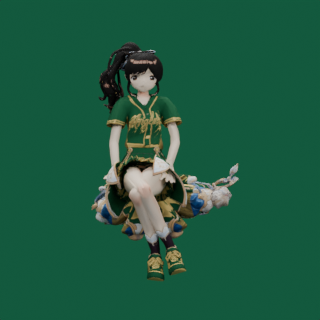
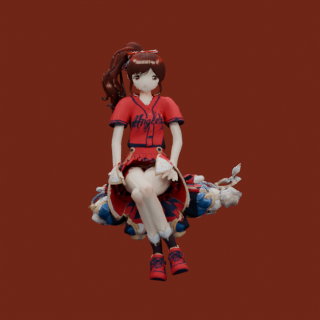
Your character selection is shared between AI Companion and Learn Dance, and remembered the next time you open the app. Switch characters whenever you like.
AI Companion
AI Companion continuously analyses match audio, automatically detecting goals, fouls, whistles, and crowd surges—then reacts with an animated AR cheerleader who delivers live commentary in your language. During quiet moments, she stays out of the way so you can focus on every play.

Learn Dance
Learn Dance is a peer feature to AI 陪看, not a mode of it — pure AR body-tracking with no audio pipeline required. Point your camera at yourself, or point it at any stream, and the AR character mirrors your movement live.
AI Live Translation
New in 1.3. The spoken language is detected automatically and translated into live subtitles under the video — and all of it runs on your device. Nothing you watch or hear is sent anywhere.